

We acknowledge the significance of your online privacy and acknowledge that granting us permission to collect some personal information requires a great deal of trust. We seek this consent as it enables Distinct Post to offer a platform that amplifies the voices of the marginalized. By using this site, you agree to the Privacy Policy and Terms of Use.
Accept
Distinct PostDistinct Post
Aa
  • Home
  • Israel-Gaza Conflict
  • World
  • Entertainment
  • Style
  • Health
  • Sports
  • Business
  • Royals
Reading: iOS 17: Apple’s Latest Update Introduces Innovative StandBy Mode and Enhanced Features
Share
Aa
Distinct PostDistinct Post
  • Home
  • Israel-Gaza Conflict
  • World
  • Entertainment
  • Style
  • Health
  • Sports
  • Business
  • Royals
Search
  • Home
  • Israel-Gaza Conflict
  • World
  • Entertainment
  • Style
  • Health
  • Sports
  • Business
  • Royals
Follow US
Distinct Post > Business > Tech > iOS 17: Apple’s Latest Update Introduces Innovative StandBy Mode and Enhanced Features
Tech

iOS 17: Apple’s Latest Update Introduces Innovative StandBy Mode and Enhanced Features

Jake Miller Published September 18, 2023
SHARE

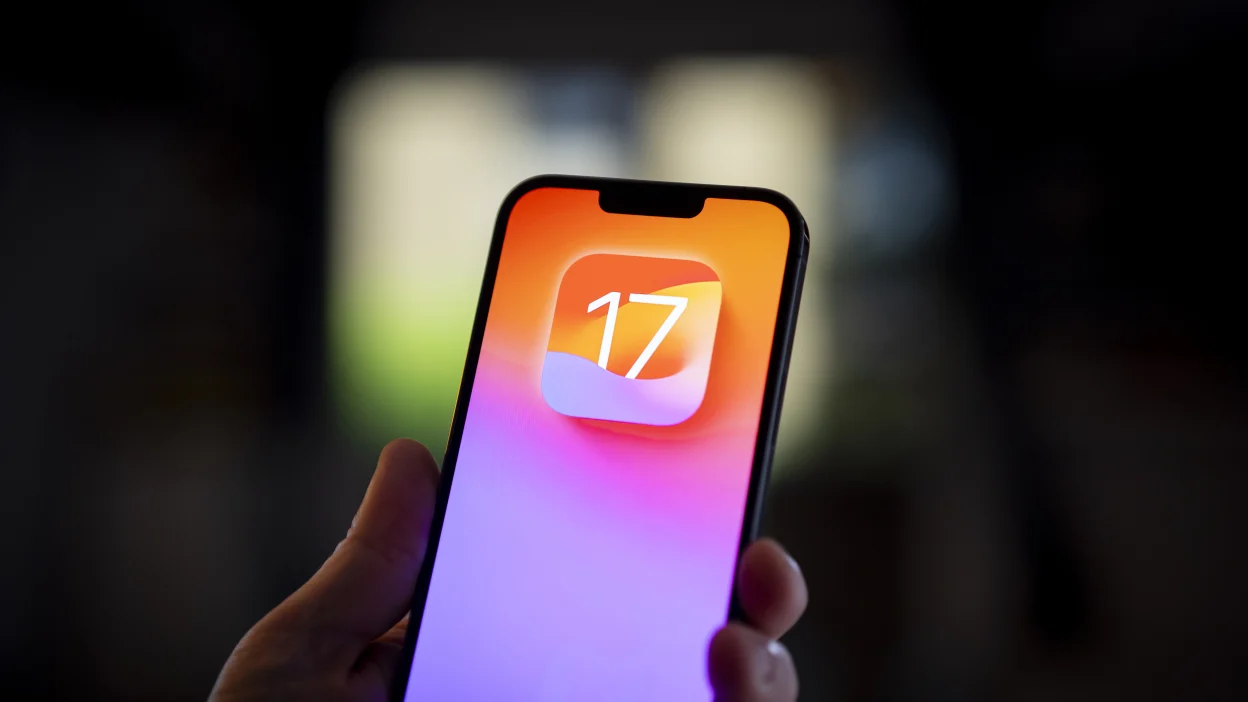
Apple has officially launched iOS 17, the latest iteration of its operating system for iPhones. This highly anticipated update is now available for free download and is compatible with iPhone models starting from the iPhone X, including the second and third-generation iPhone SE. Alongside iOS 17, Apple is also releasing substantial updates for watchOS, iPadOS, and tvOS.

One of the standout features of iOS 17 is the introduction of the innovative StandBy mode. When your iPhone is not in active use and is placed on a wireless charger, it automatically activates StandBy mode. In this mode, your iPhone displays full-screen widgets that provide quick, at-a-glance information.

New IOS 17 features .🔥#iOS17 pic.twitter.com/UhRo9zAkZu

— Troyyy🐐 (@kwamepercyy) September 18, 2023

Notably, StandBy mode is designed to work seamlessly with MagSafe-enabled docks. Still, even if you own an iPhone SE, you can take advantage of this feature with a standard Qi charger, as long as your phone is positioned to face you.

Customization is at the heart of StandBy mode. Users have the ability to select the widgets they want to see, such as weather forecasts, reminders, upcoming calendar events, the current time, and more. Additionally, this mode offers an engaging way to view your favorite photos from your photo library.

Many users are likely to find StandBy mode particularly useful as a customizable alarm clock screen, effectively replacing traditional FM radio alarm clocks on nightstands.

iOS 17 is now available on these devices:

– iPhone 14
– iPhone 14 Plus
– iPhone 14 Pro
– iPhone 14 Pro Max
– iPhone 13
– iPhone 13 mini
– iPhone 13 Pro
– iPhone 13 Pro Max
– iPhone 12
– iPhone 12 mini
– iPhone 12 Pro
– iPhone 12 Pro Max
– iPhone 11
– iPhone 11 Pro
– iPhone 11… pic.twitter.com/eyp0oVGlCK

— Apple Hub (@theapplehub) September 18, 2023

iOS 17 also introduces several other noteworthy features and enhancements, including interactive widgets, an improved keyboard, AirPlay improvements, and a host of updates to built-in apps such as Messages, Apple Maps, Contacts, and the integrated password manager, among others.

For those eager to get their hands on iOS 17, the update is available now. Users can opt to install it over-the-air directly through the Settings app, or they can choose to connect their device to a computer for a wired update.

Before initiating the update, it’s crucial to back up your device to ensure the safety of your data. Users can confirm the status of their iCloud backup by accessing the Settings app on their iPhone, selecting their account information at the top, and clicking on their device’s name. Furthermore, a manual backup can be performed in Finder on macOS or iTunes for Windows. For added security, it’s advisable to encrypt your backup, as encrypted backups include saved passwords and health data, making it easier to restore online accounts.

Once your device is adequately backed up, navigate to the Settings app, then proceed to “General,” and select “Software Update.” An “Update Requested…” message will appear, and the download will commence automatically once it becomes available. While waiting for the download, consider exploring our comprehensive review of iOS 17 to gain deeper insights into its features and enhancements.

You Might Also Like

Stranger Things Finale Explained: How the Ending Reveals the Show’s Darkest Truth About Trauma and Vulnerability

Cristiano Ronaldo: ‘I’m Not Romantic, My Daughter Made Me Propose to Georgina’

Brendan Fraser Returns to The Mummy with Rachel Weisz After 17 Years

Prince William Surprises Shawn Mendes’ Mom at Earthshot Prize Awards

Prince William Follows in Princess Diana’s Footsteps During Rio Visit Ahead of Earthshot Prize Awards

TAGGED: trending
Jake Miller September 18, 2023 September 18, 2023
Popular News
Entertainment

Selena Gomez’s Relationship with Benny Blanco Deemed Long-Lasting by Inner Circle

Jake Miller Jake Miller January 13, 2024
Spanish Football President Luis Rubiales Expected to Resign Amid Controversial Kiss Scandal
Elon Musk ‘secretly’ welcomes 12th baby with Shivon Zilis
Morocco to provide money to families whose homes were destroyed in an earthquake
Kim Kardashian Unwraps Winter White Christmas with SKIMS Cotton Fabric

Categories

  • Market
  • Tech
  • Fitness
  • Food
  • Celebrity
  • Fashion
  • Beauty
  • Football
  • Cricket
  • Entertainment
    • Celebrity
    • Movies
    • Television
  • Style
    • Arts
    • Beauty
    • Fashion
  • Health
    • Fitness
    • Food
  • Sports
    • Baseball
    • Basketball
    • Cricket
    • Football
    • Olympics
  • Business
    • Market
    • Tech
Useful Links
  • About us
  • Privacy policy
  • Term Of Use

2023 © Distinct Post News & Media. All Rights Reserved.

Welcome Back!

Sign in to your account

Lost your password?