

We acknowledge the significance of your online privacy and acknowledge that granting us permission to collect some personal information requires a great deal of trust. We seek this consent as it enables Distinct Post to offer a platform that amplifies the voices of the marginalized. By using this site, you agree to the Privacy Policy and Terms of Use.
Accept
Distinct PostDistinct Post
Aa
  • Home
  • Israel-Gaza Conflict
  • World
  • Entertainment
  • Style
  • Health
  • Sports
  • Business
  • Royals
Reading: iOS 17: Apple’s Latest Update Introduces Innovative StandBy Mode and Enhanced Features
Share
Aa
Distinct PostDistinct Post
  • Home
  • Israel-Gaza Conflict
  • World
  • Entertainment
  • Style
  • Health
  • Sports
  • Business
  • Royals
Search
  • Home
  • Israel-Gaza Conflict
  • World
  • Entertainment
  • Style
  • Health
  • Sports
  • Business
  • Royals
Follow US
Distinct Post > Business > Tech > iOS 17: Apple’s Latest Update Introduces Innovative StandBy Mode and Enhanced Features
Tech

iOS 17: Apple’s Latest Update Introduces Innovative StandBy Mode and Enhanced Features

Jake Miller Published September 18, 2023
SHARE

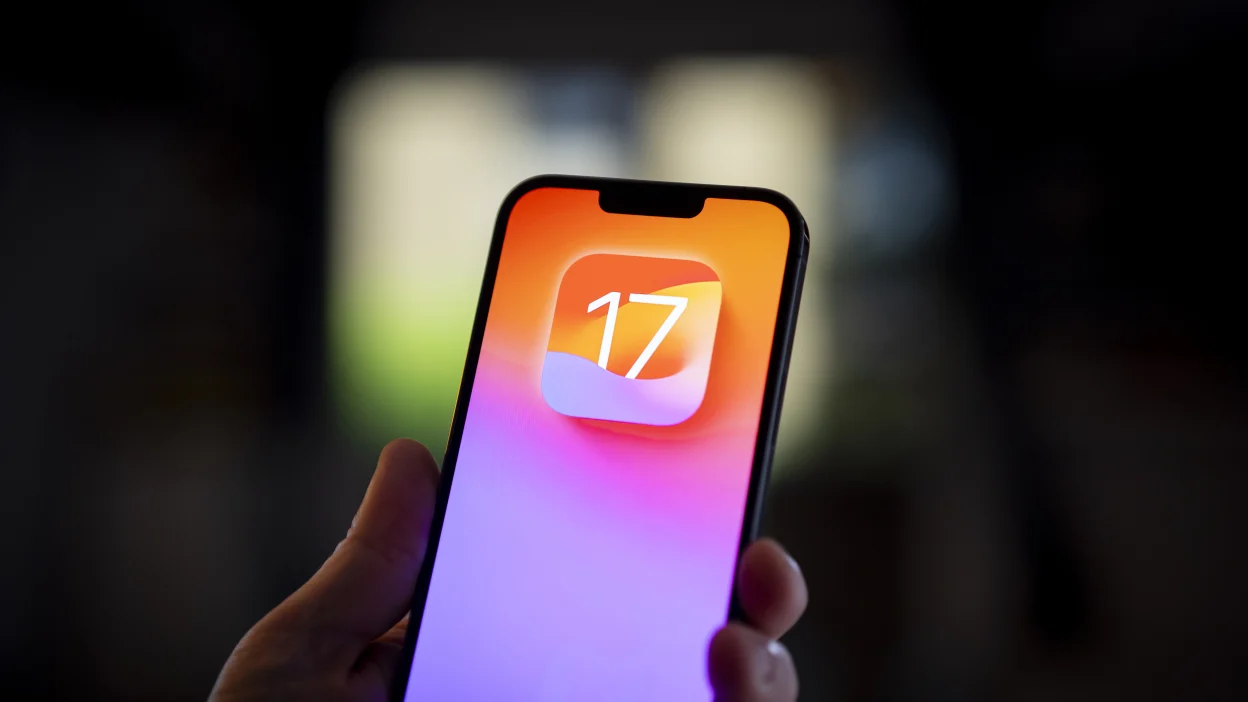
Apple has officially launched iOS 17, the latest iteration of its operating system for iPhones. This highly anticipated update is now available for free download and is compatible with iPhone models starting from the iPhone X, including the second and third-generation iPhone SE. Alongside iOS 17, Apple is also releasing substantial updates for watchOS, iPadOS, and tvOS.

One of the standout features of iOS 17 is the introduction of the innovative StandBy mode. When your iPhone is not in active use and is placed on a wireless charger, it automatically activates StandBy mode. In this mode, your iPhone displays full-screen widgets that provide quick, at-a-glance information.

New IOS 17 features .đŸ”„#iOS17 pic.twitter.com/UhRo9zAkZu

— Troyyy🐐 (@kwamepercyy) September 18, 2023

Notably, StandBy mode is designed to work seamlessly with MagSafe-enabled docks. Still, even if you own an iPhone SE, you can take advantage of this feature with a standard Qi charger, as long as your phone is positioned to face you.

Customization is at the heart of StandBy mode. Users have the ability to select the widgets they want to see, such as weather forecasts, reminders, upcoming calendar events, the current time, and more. Additionally, this mode offers an engaging way to view your favorite photos from your photo library.

Many users are likely to find StandBy mode particularly useful as a customizable alarm clock screen, effectively replacing traditional FM radio alarm clocks on nightstands.

iOS 17 is now available on these devices:

– iPhone 14
– iPhone 14 Plus
– iPhone 14 Pro
– iPhone 14 Pro Max
– iPhone 13
– iPhone 13 mini
– iPhone 13 Pro
– iPhone 13 Pro Max
– iPhone 12
– iPhone 12 mini
– iPhone 12 Pro
– iPhone 12 Pro Max
– iPhone 11
– iPhone 11 Pro
– iPhone 11
 pic.twitter.com/eyp0oVGlCK

— Apple Hub (@theapplehub) September 18, 2023

iOS 17 also introduces several other noteworthy features and enhancements, including interactive widgets, an improved keyboard, AirPlay improvements, and a host of updates to built-in apps such as Messages, Apple Maps, Contacts, and the integrated password manager, among others.

For those eager to get their hands on iOS 17, the update is available now. Users can opt to install it over-the-air directly through the Settings app, or they can choose to connect their device to a computer for a wired update.

Before initiating the update, it’s crucial to back up your device to ensure the safety of your data. Users can confirm the status of their iCloud backup by accessing the Settings app on their iPhone, selecting their account information at the top, and clicking on their device’s name. Furthermore, a manual backup can be performed in Finder on macOS or iTunes for Windows. For added security, it’s advisable to encrypt your backup, as encrypted backups include saved passwords and health data, making it easier to restore online accounts.

Once your device is adequately backed up, navigate to the Settings app, then proceed to “General,” and select “Software Update.” An “Update Requested
” message will appear, and the download will commence automatically once it becomes available. While waiting for the download, consider exploring our comprehensive review of iOS 17 to gain deeper insights into its features and enhancements.

You Might Also Like

Kate Middleton’s Meaningful Jewelry Choice Honors Her Children During London Engagement

Kate Middleton Melts Hearts With Adorable “Mom Mode” Moment During London University Visit

Is Justin Trudeau’s Romance With Justin Trudeau and Katy Perry Hurting His Public Image?

Kris Jenner Breaks Silence After Meghan Markle Sends Unexpected Gift

Iran’s Big Decision Looms as US Peace Deal Proposal Awaits Response

TAGGED: trending
Jake Miller September 18, 2023 September 18, 2023
Popular News
spains-foreign-minister-says-the-palestinian-authority-is-the-only-partner-to-seek-peace-in-the-middle-east
EuropeIsrael-Gaza Conflict

Spain’s Foreign Minister says the Palestinian Authority is the only partner to seek peace in the Middle East

Claire Martin Claire Martin November 27, 2023
Prince Harry Praises Ukrainian Invictus Team in Emotional Kyiv Visit
Kevin Hart Reveals Secret Action Stars’ Whatsapp Chat, Including Dwayne Johnson and Tom Cruise
Scarlet Johansson take legal action against OpenAI for cloning her voice despite refusal
Rema and Producer P. Priime Reveal the Creative Process Behind Baby (Is It a Crime)

Categories

  • Market
  • Tech
  • Fitness
  • Food
  • Celebrity
  • Fashion
  • Beauty
  • Football
  • Cricket
  • Entertainment
    • Celebrity
    • Movies
    • Television
  • Style
    • Arts
    • Beauty
    • Fashion
  • Health
    • Fitness
    • Food
  • Sports
    • Baseball
    • Basketball
    • Cricket
    • Football
    • Olympics
  • Business
    • Market
    • Tech
Useful Links
  • About us
  • Privacy policy
  • Term Of Use

2023 © Distinct Post News & Media. All Rights Reserved.

Welcome Back!

Sign in to your account

Lost your password?